Check the series name first
Recognised the logo and opened the first tutorial video? Check your device's full name first. The official documentation page has separate manuals for Hypershell X Series and X Series (S). Similar-looking buttons do not mean every command and capability is the same.
This guide covers X Series as described in manual v5.1. It is a brief explanation of the concepts, not a replacement for the manual. For a model with an S in its name, open the document for that series. With any model, check that the feature you want is available. Repeated button presses will not reveal a feature the model does not have.
Mode sets the task; intensity fine-tunes it
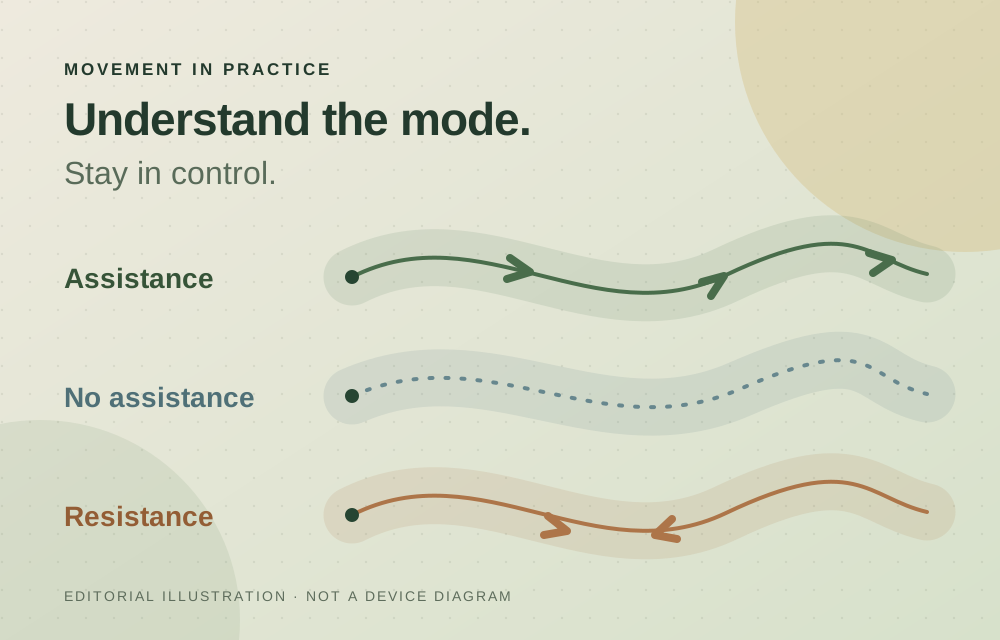
The X Series v5.1 manual, pages 24–26, distinguishes several operating modes. Transparent provides no powered assistance. Eco supports moderate activity, while Hyper is intended for more intensive activity. Fitness creates resistance for training, so it should not be treated as another level of walking assistance.
Mode availability depends on the model. Hyper is listed for X Pro, X Carbon and X Ultra; Boost is listed only for X Ultra. Do not assume a higher-priced model's features are available on another. A mode name is not a personal recommendation for how much exertion to take on.
Sensitivity is not assistance strength
The settings guide distinguishes intensity from sensitivity. Intensity changes the strength of assistance; sensitivity affects how quickly the device responds to movement. A response that feels too abrupt does not necessarily mean you need to choose a different mode.
Our editorial suggestion: decide what you want to understand before making changes. Note the starting value and adjust only one parameter at a time in calm conditions permitted by the manual. If the response is unclear or uncomfortable, stop experimenting and contact support rather than moving every slider at once.
Know the specific button and app commands
According to pages 27 and 35 of the manual, the app displays the current mode and level, lets you select a mode, and provides a slider to adjust intensity. A single press of the physical button switches between Transparent and the previous mode; a double press raises the level, and a triple press lowers it. Leaving Transparent can restore the previous mode, including Fitness.
Do not memorise press counts without context. First establish the current state and the result you expect. If the display does not match your understanding, stop and check. The middle of a road crossing or a difficult section of trail is not the time to learn the controls.
Transparent does not mean powered off
The manual describes no assistance and power off as different states. Do not substitute one for the other when preparing to remove, clean or store the device. Follow the appropriate procedure in your manual.
A useful setup outcome is simple: you know the selected mode, understand the parameter you changed, and can explain how to return to the previous state. A reading in the app does not remove the need to notice the surface, your surroundings and how you feel. If anything remains unclear, ask support a specific question.